
·7 min read
How to Sync Clockify Time Tracking with monday.com
Connect Clockify and monday.com with two-way sync for time entries, projects, tasks, and clients. Set up in minutes, syncs within 5 seconds.
clockify connectorclockifytime tracking
Tips, guides, and best practices for monday.com automation
Connect Clockify and monday.com with two-way sync for time entries, projects, tasks, and clients. Set up in minutes, syncs within 5 seconds.
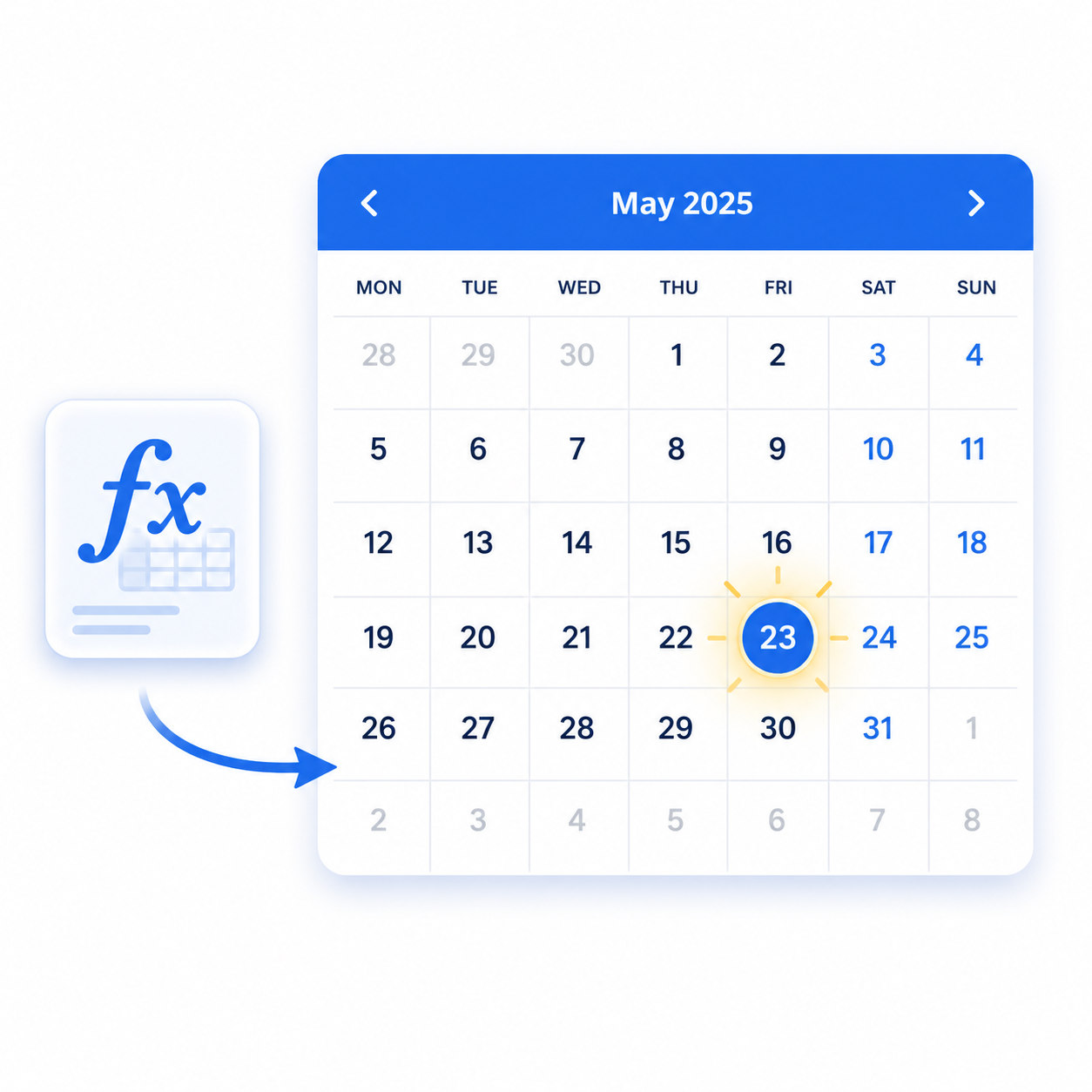
Formula columns don't show in calendars or trigger automations. Here's how to copy formula dates to a real date column so they appear in calendar view and work with date automations.
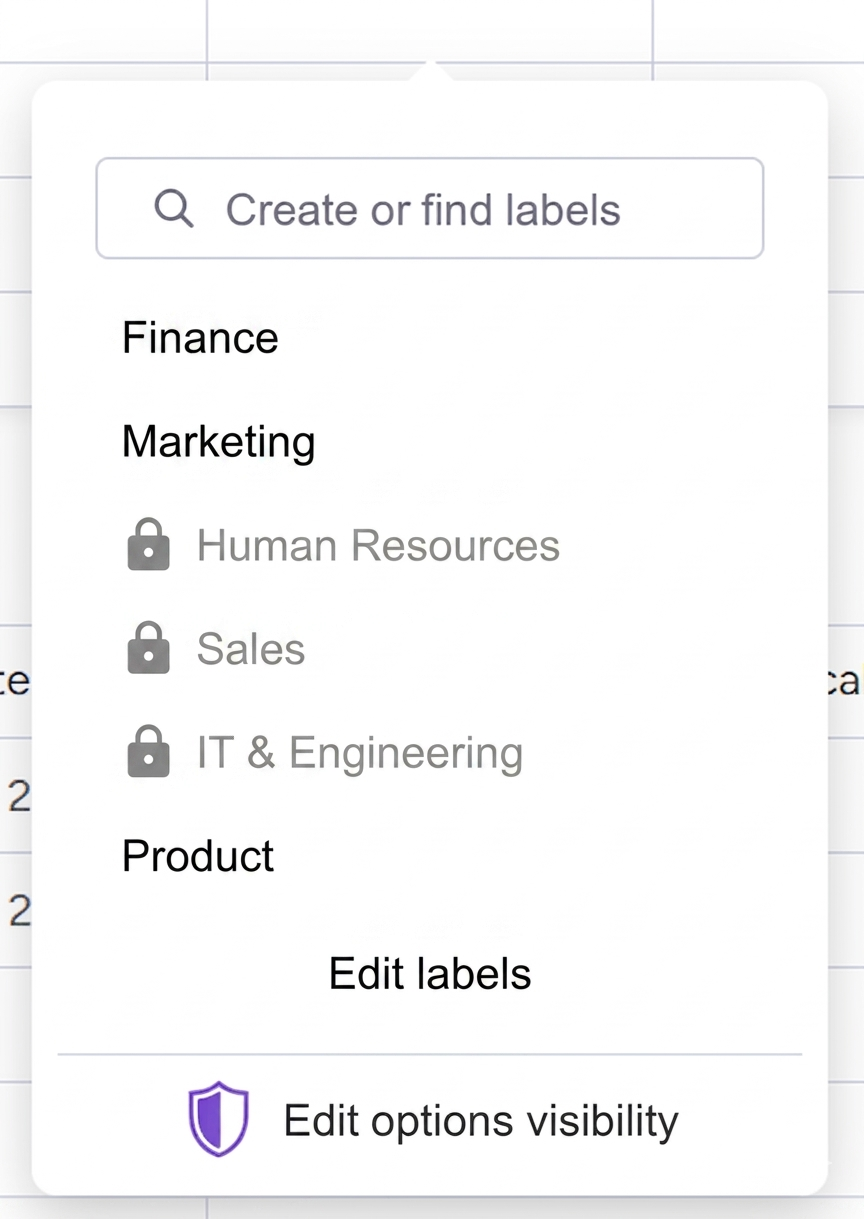
Restrict dropdown selections based on conditions, user roles, or current values. Column Changes Guard lets you define which options users can pick and when.

Turn physical QR codes into automation triggers. Scan a code, fire any monday.com automation. Works with native recipes and third-party marketplace apps.
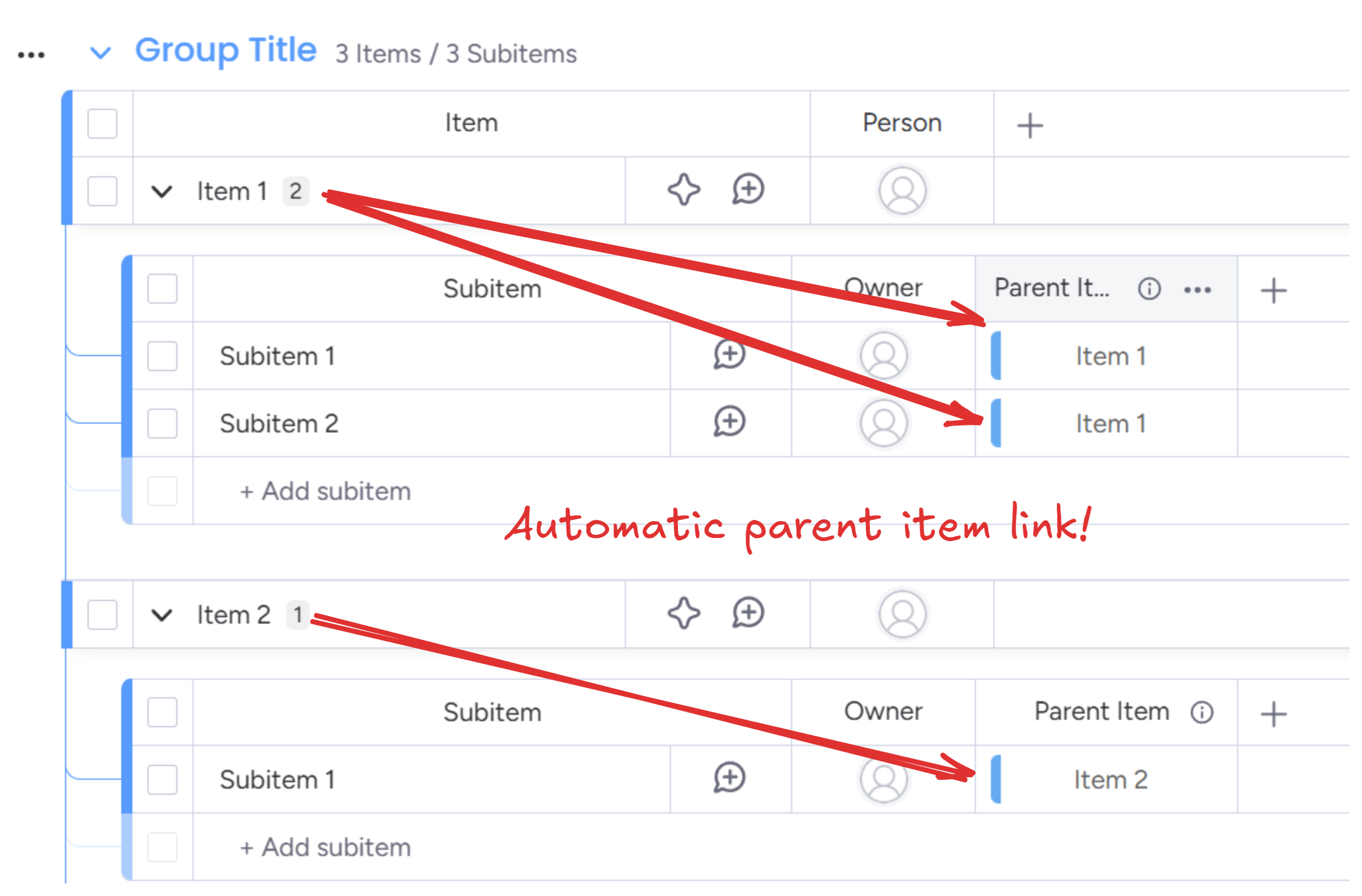
monday.com subitems don't automatically link back to their parent items. Learn how to auto-connect subitems to parents using connected boards columns - step-by-step setup guide.
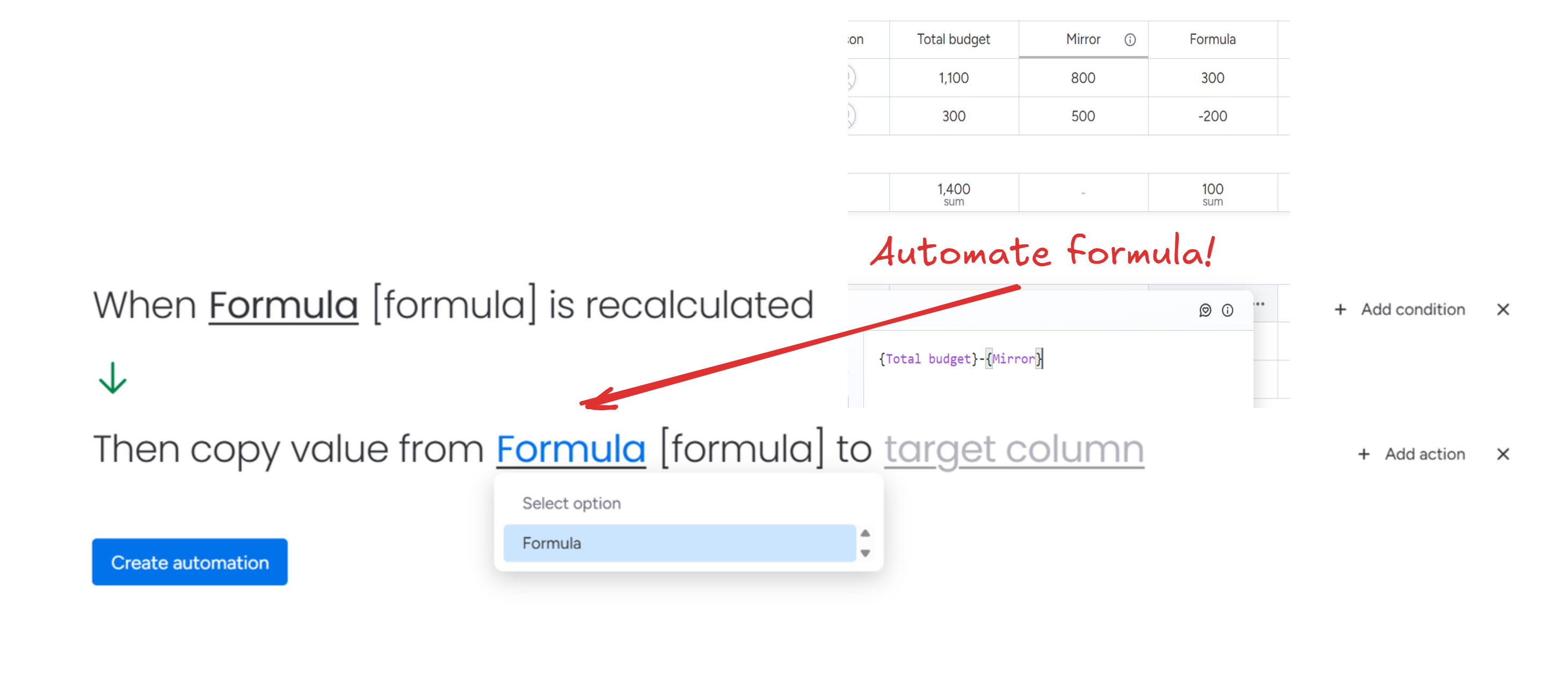
Step-by-step guide to trigger automations from formula columns in monday.com. Change status, send notifications, or run any automation when your formula calculates a specific value.
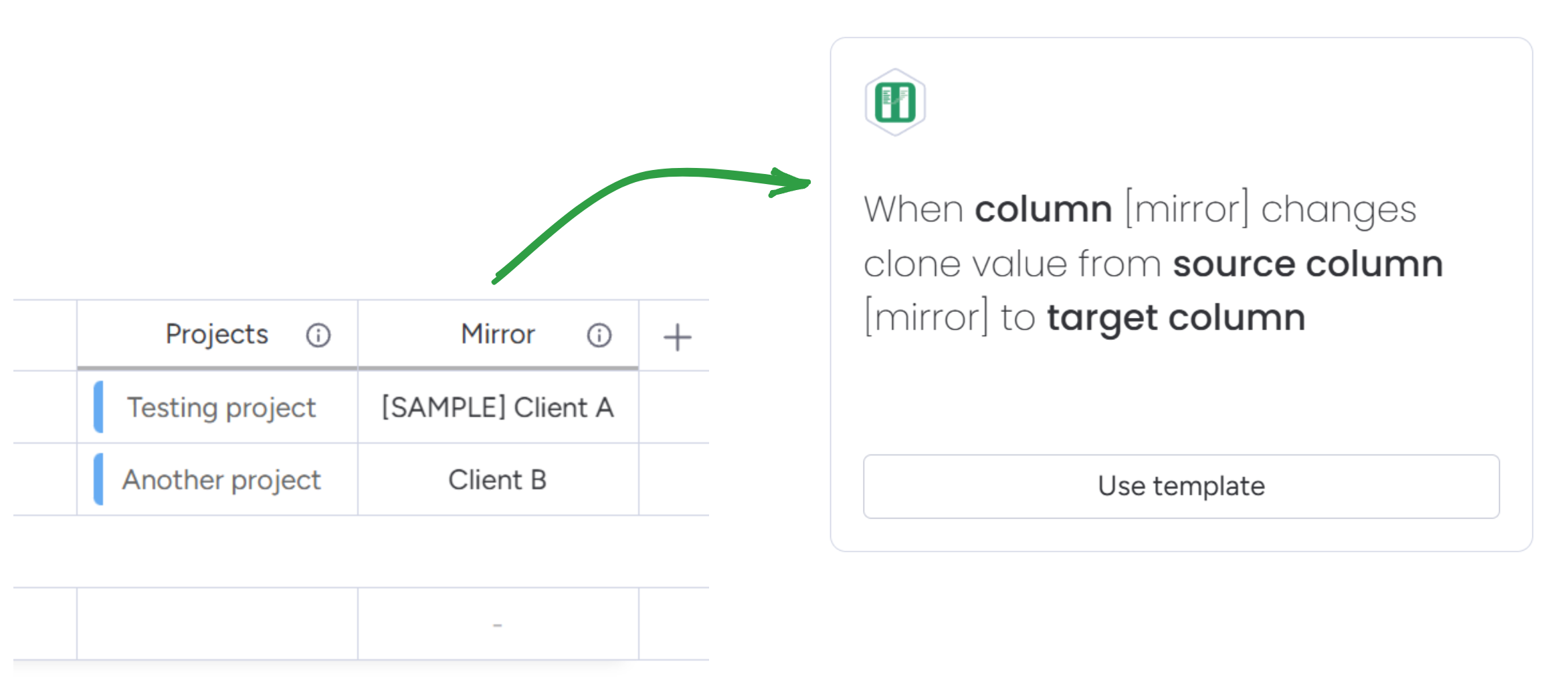
Mirror columns don't work in monday.com automations. Here's how to trigger any automation when mirrored data changes - notifications, status updates, and more.

Use physical QR codes to update item statuses without touching a screen. Generate status label QR codes, place them at stations, and scan to update.
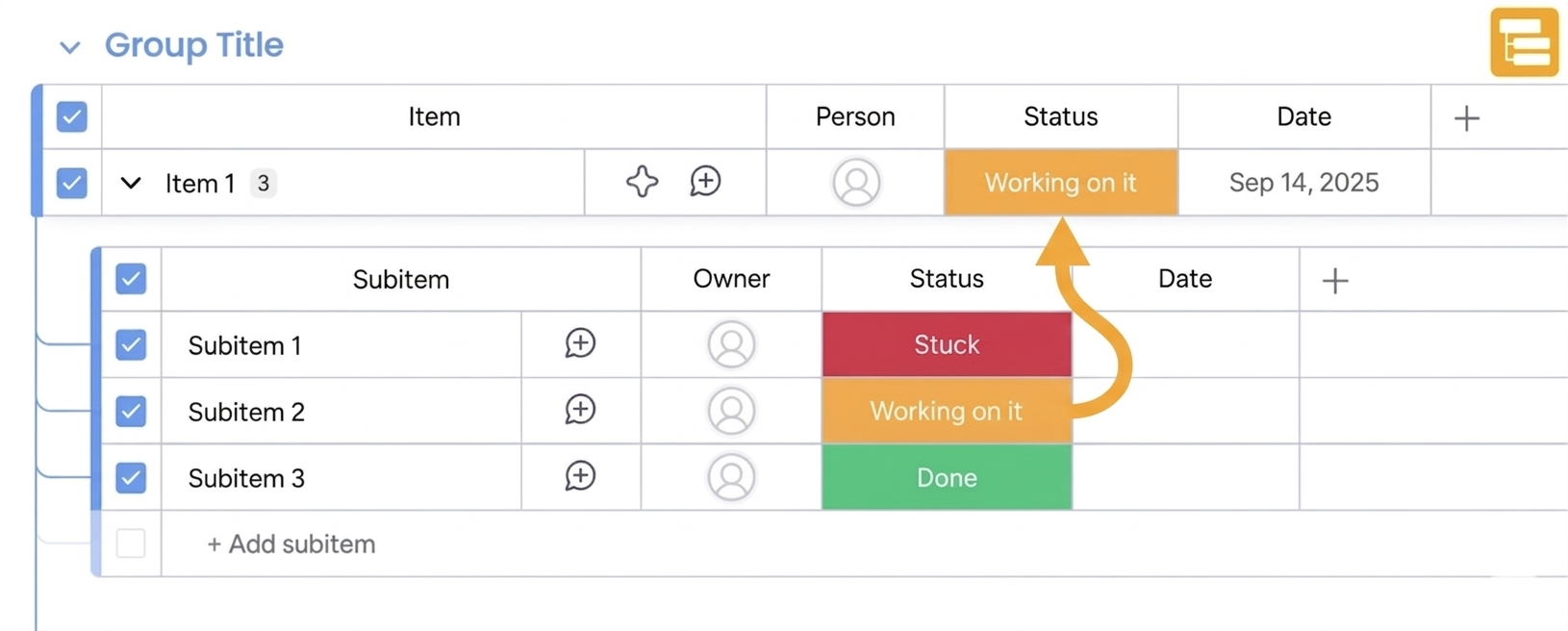
monday.com can't natively copy subitem data to parent items. Learn how to automatically sync subitem columns to parents - roll up values, copy statuses, and keep parent items current.
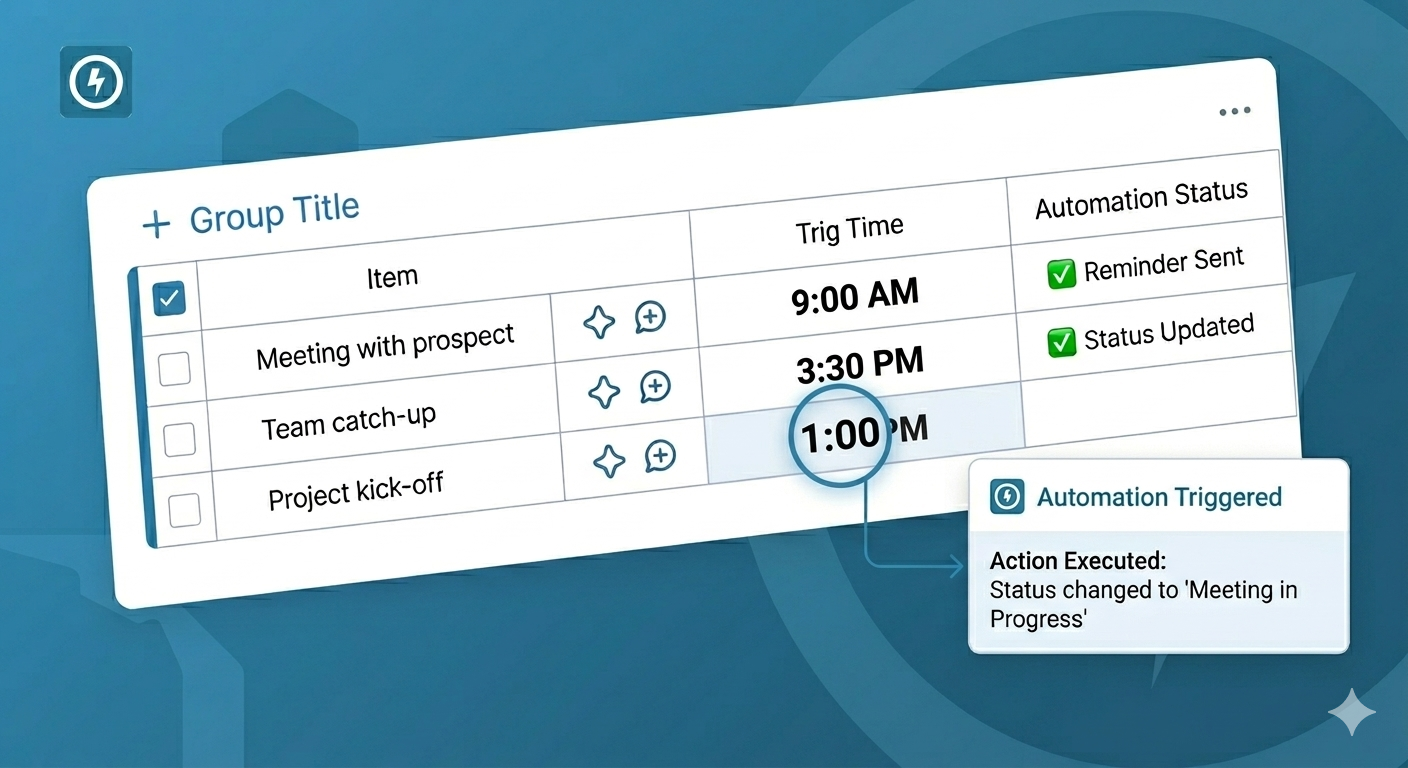
monday.com's native date automations use a fixed time, ignoring the time set in your date column. Learn how to trigger automations based on the actual time in your column - send reminders before meetings, change status when deadlines pass, and more.
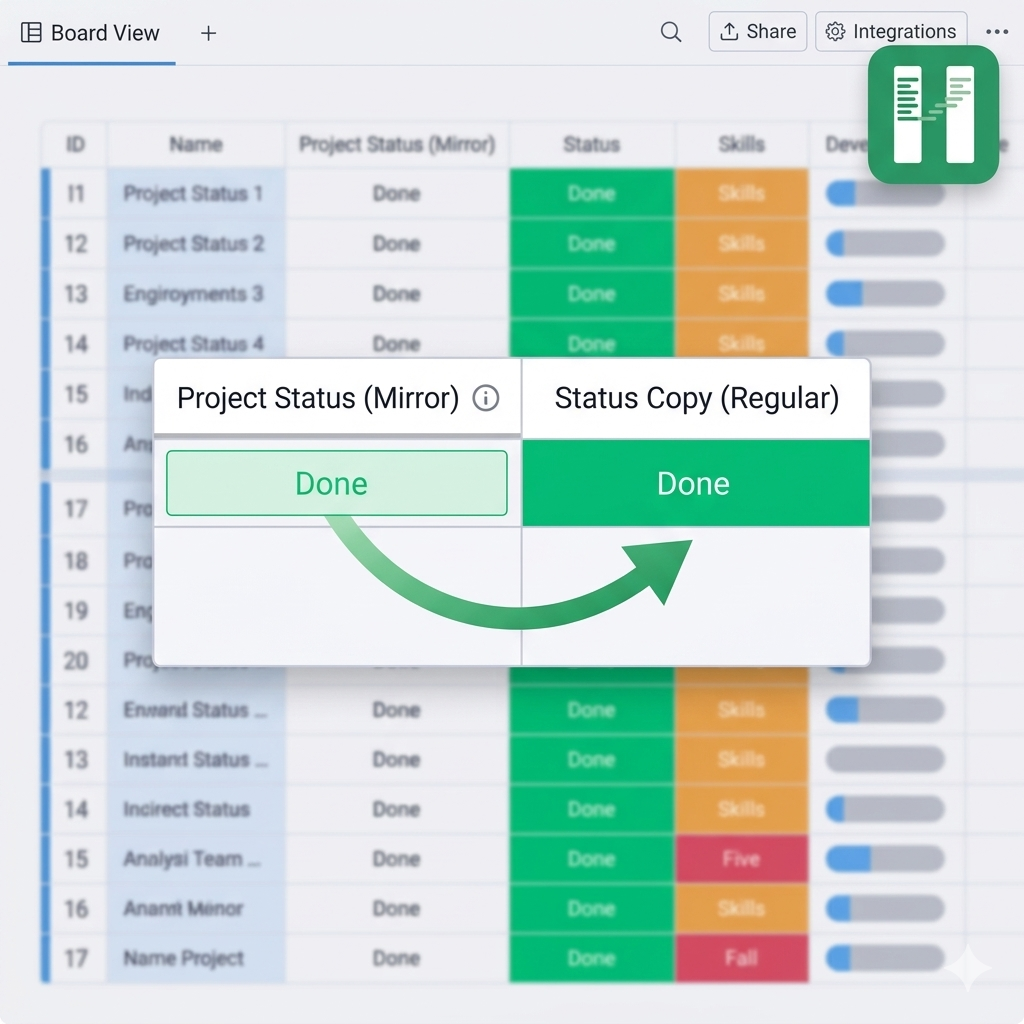
You can't copy a mirror column into a regular column in monday.com natively. Column to Column solves this by syncing mirror values automatically - making them usable in automations, formulas, and reports.
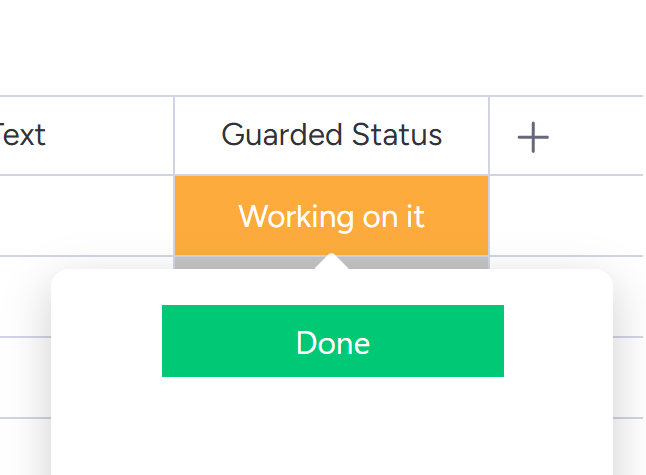
monday.com's conditional status column lets you restrict statuses based on another column - but it falls short for real workflows. Column Changes Guard gives you full control over which statuses are available, when, and for whom.
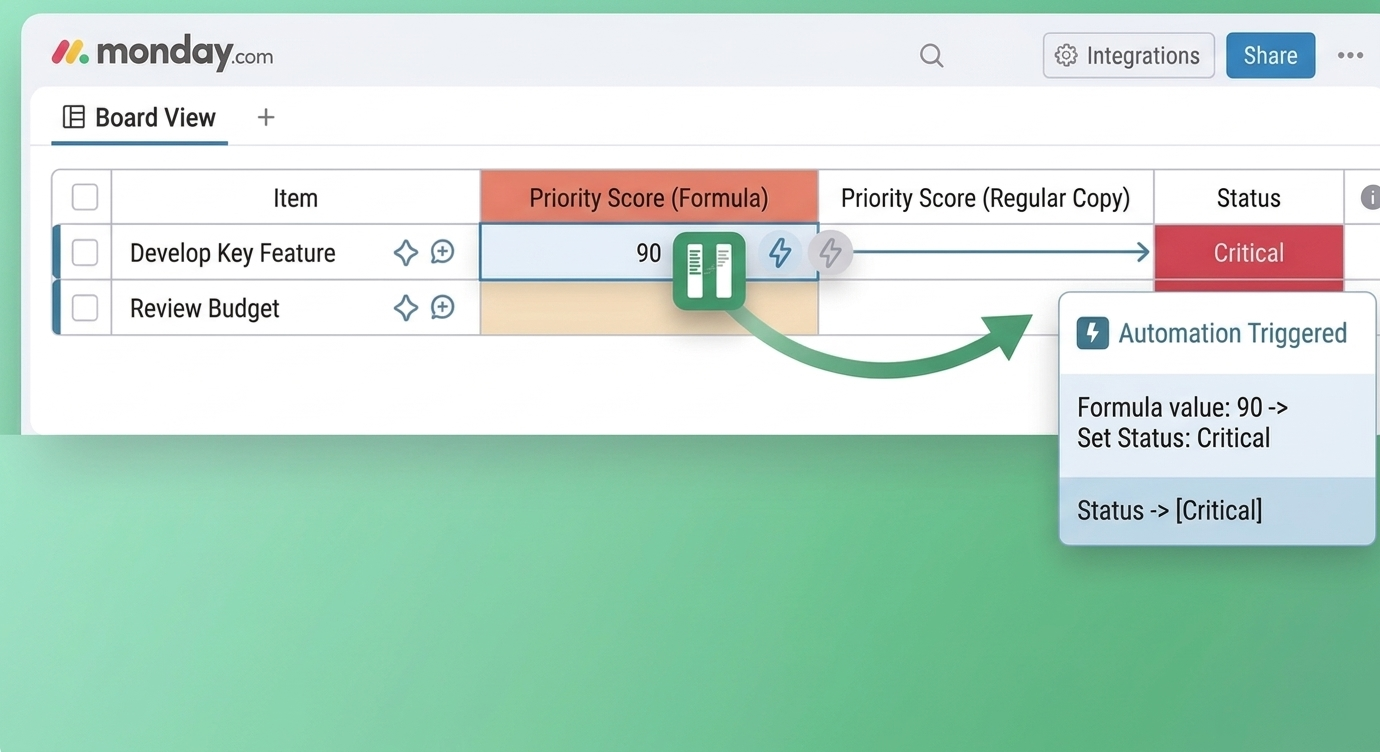
Can't use formula columns in automations? Here's how to trigger any automation when your formula recalculates - update columns, send notifications, and more.